TS7 UIS8141E Bluetooth & WiFi Turning ON/OFF – Complete Solution
Introduction
Are you facing the TS7 car head unit Bluetooth and WiFi turning ON/OFF issue? This is one of the most common problems reported by users of TS7 Android head units, causing unstable connectivity, disconnections, and frustration while driving due to wrong system configuration in Car settings.
At ANNS Solutions, we provide a tested and reliable solution to fix this issue permanently without damaging your device.
If your Bluetooth and WiFi misbehave with your car headunit don’t worry about it we will guide you and assist you about how to fix.
Why Does TS7 Bluetooth & WiFi Turn ON/OFF?
Understanding the root cause is important before applying any fix.
Corrupted Firmware & Configuration
Most TS7 devices come with unstable firmware versions, which create system conflicts and cause connectivity failure.
Incorrect Factory Settings
Hidden settings inside the system can disable proper communication between modules.
Hardware Module Glitch
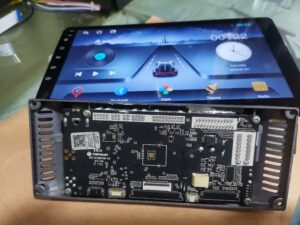
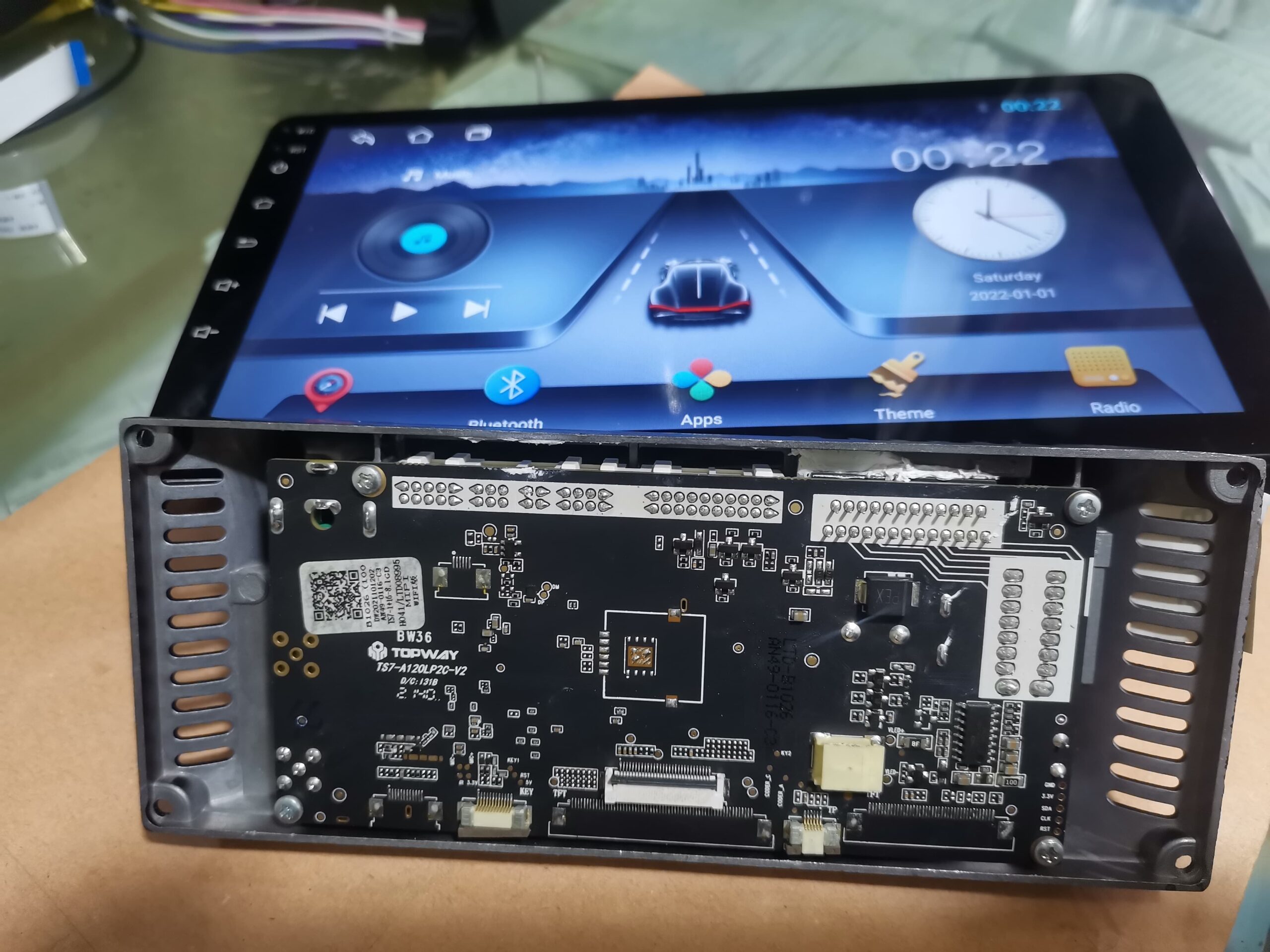
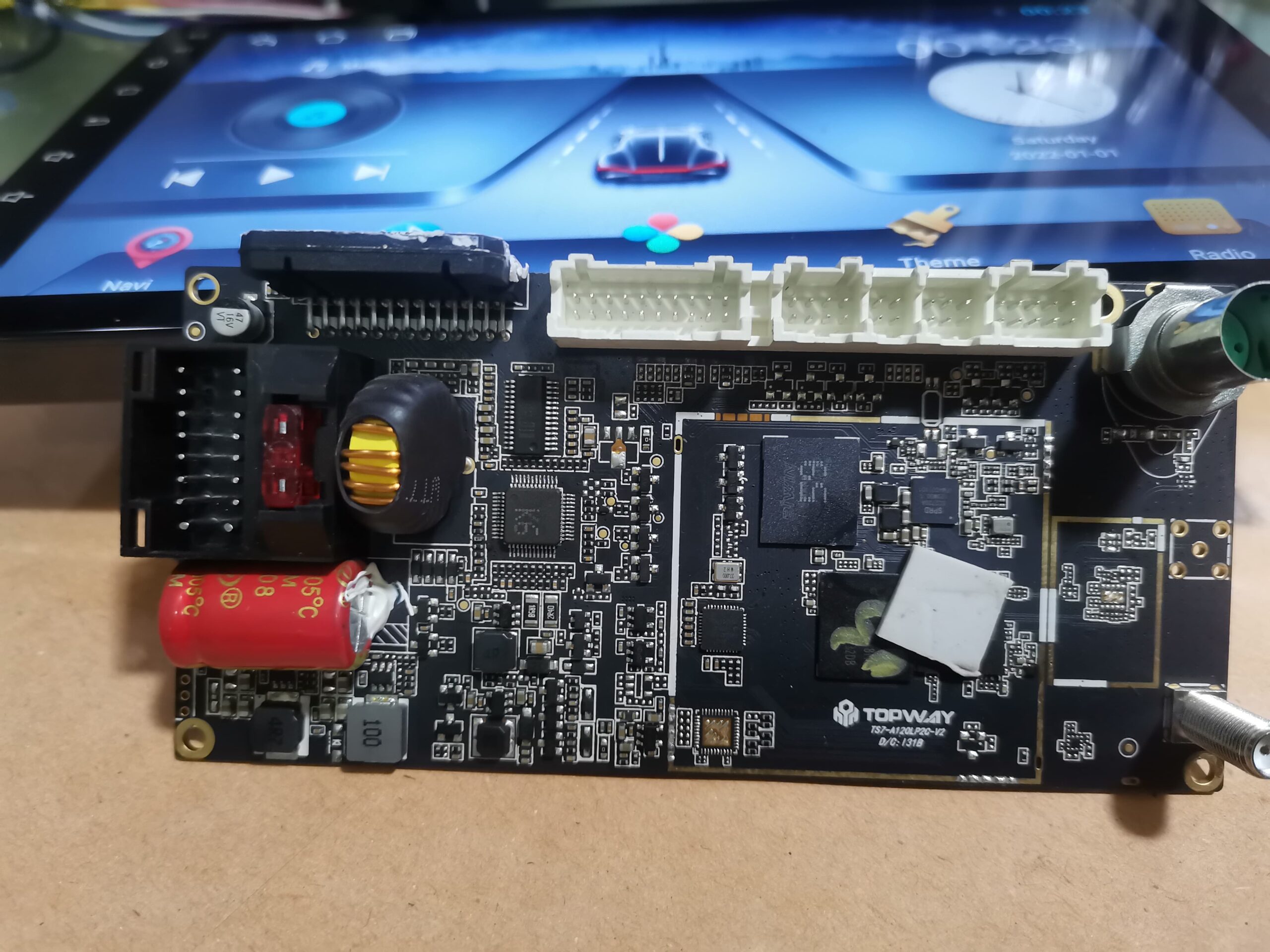
The WiFi + Bluetooth IC chip may fail to maintain a stable connection with the motherboard.
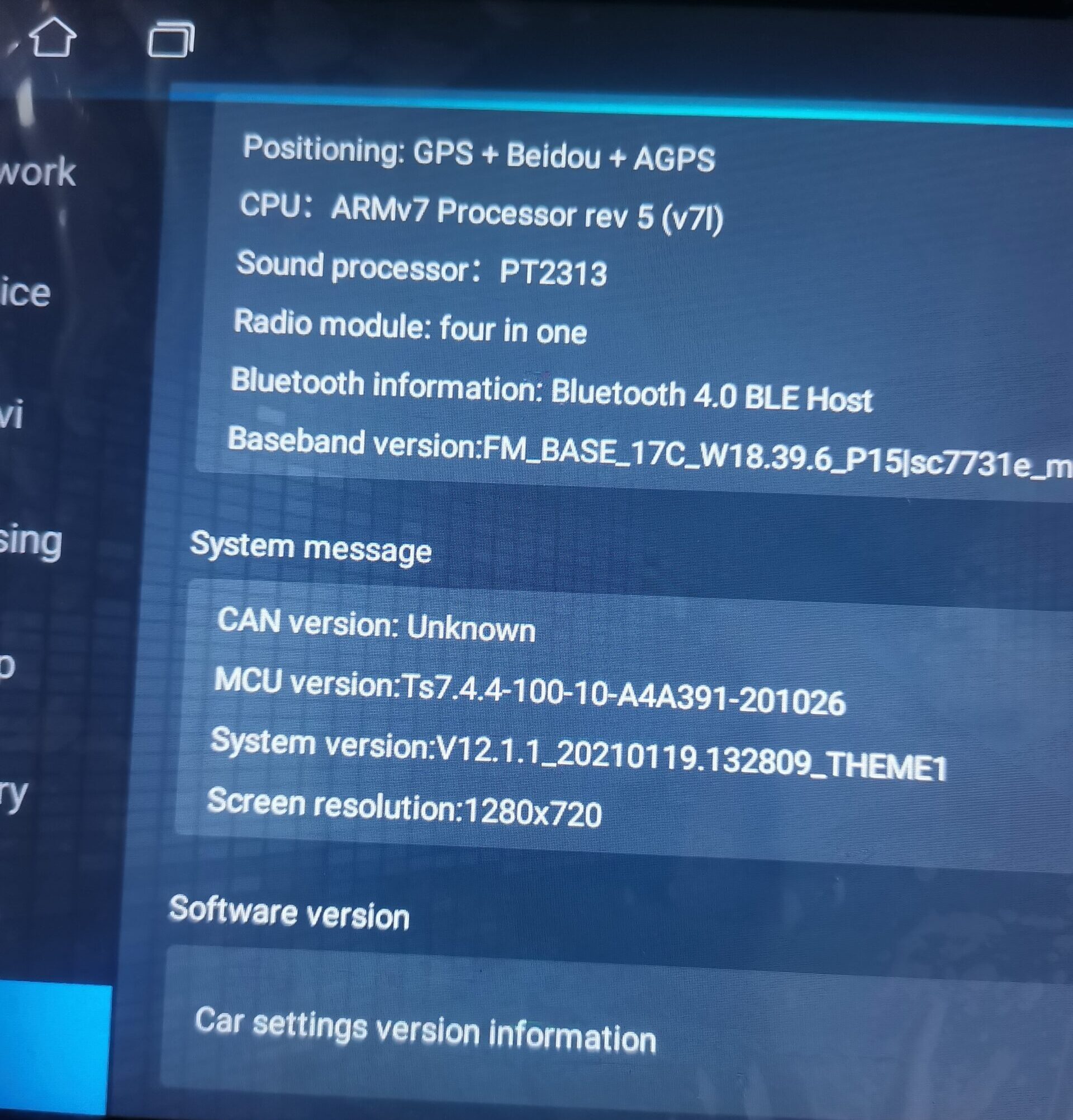
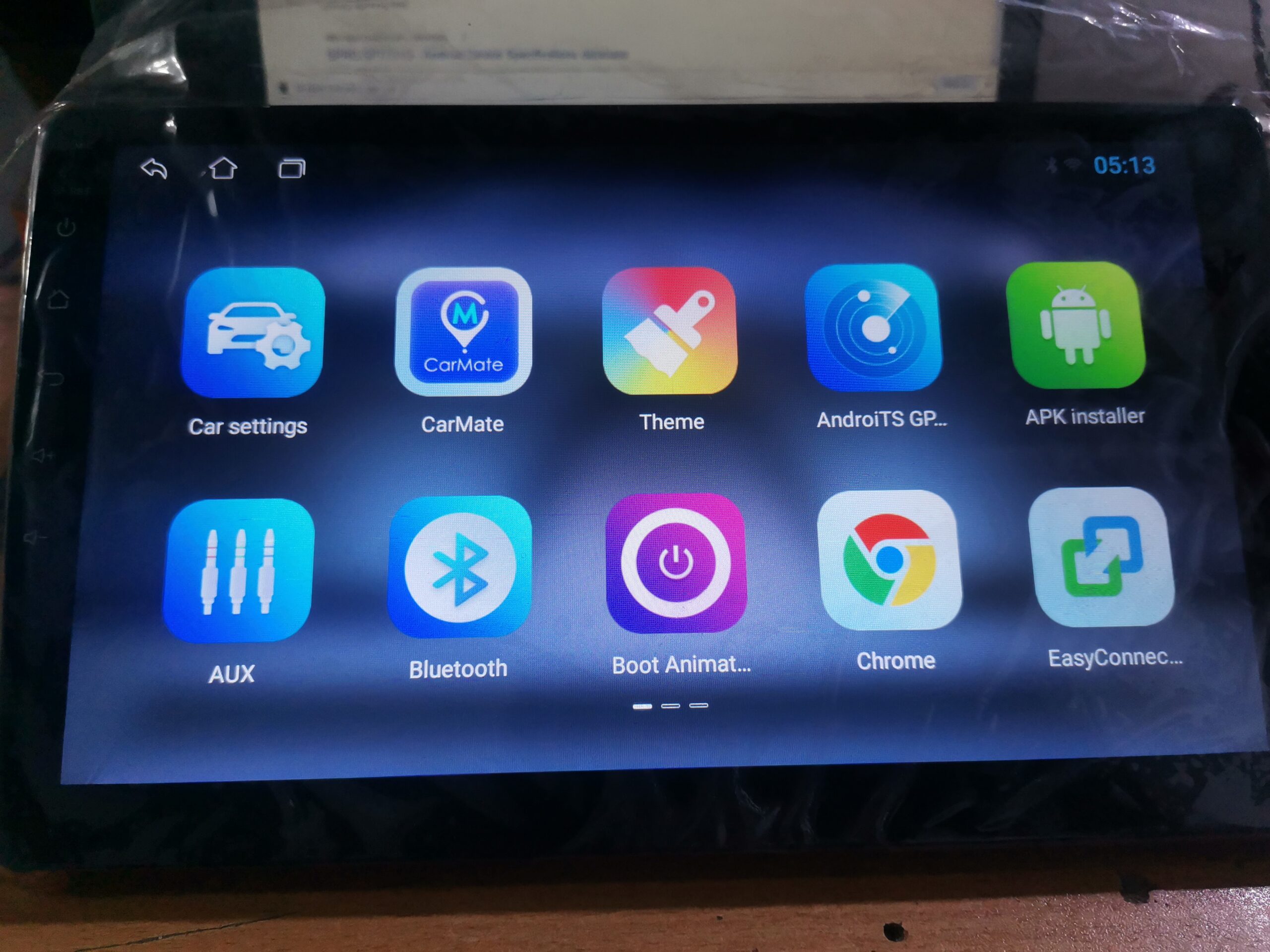
100% Working Solution for TS7 Head Unit
At ANNS Solutions, we’ve fixed this issue for multiple clients here in Pakistan in Past and now we decided to help those woh also facing this problem across the globe. Due to this TS7 UIS8141E based processor Headunits sold all over the world so I decided share this success to everyone who will facing this sort of issues.
Our Solution Includes:
- Correct TS7 firmware installation
- Fixing hidden factory configurations
- System-level software repair
- Optional hardware inspection (if needed)
Step-by-Step Fix
Follow these steps carefully:
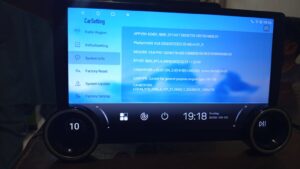
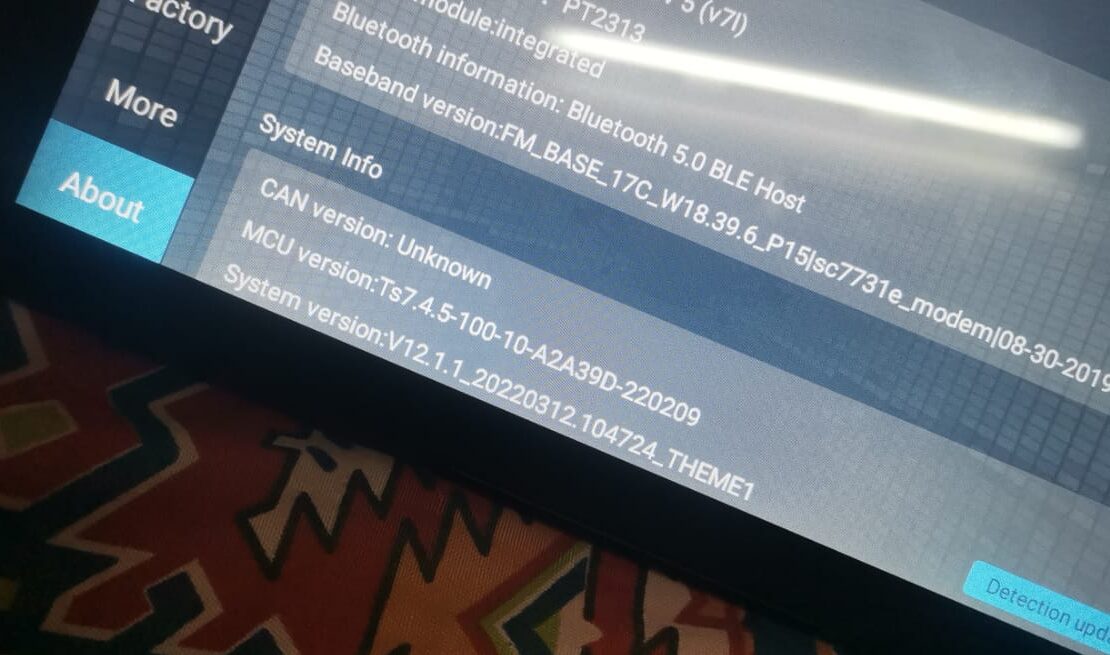
Step 1: Open Factory Settings
Go to:
Settings → Factory Settings
TS7 Factory Password
Use code:
123456
↠ Check WiFi & Bluetooth options inside.
Step 2: Reset Connectivity
- Turn OFF WiFi & Bluetooth
- Restart your device
- Turn them ON again
Step 3: Install Correct Firmware (IMPORTANT)
This is the main fix.
- Download correct TS7 firmware
- Copy into USB / SD card
- Install via system update by ground KEY1 wire
Warning:
Installing the wrong firmware can completely brick your head unit once we check we will guide you the exact fix.
If the problem still exists:
- System files may be corrupted
- Device may need professional firmware flashing
- In rare cases, WiFi IC repair or replacement is require
We provide:
- Safe & tested solutions
- Step-by-step guidance
- Remote support available
Why Choose ANNS Solutions?
At ANNS Solutions, we specialize in:
- SPRD TS7 / TS9 / TS10 / TS18 , MediaTek, Allwinner, Android Head Unit Firmware Guide Repair
- Firmware Installation & Updates
- Logo Stuck / Boot Loop Fix
- WiFi, Bluetooth Disconnecting in TS7 UIS 8141E Headunit
- User Password unlocking Ts7
- Pattern lock unlock
🌐 Visit our website: annssolutions.com
📩 Contact us here: annssolutions.com/contact-us
⚠️ Facing Bluetooth and WiFi issues in your TS7 car headunit Tablet?
We also providing professional remote fixing service.
📩 Contact now via WhatsApp for quick support.
✔️Professional Service
✔️ Safe & Tested Solutions
✔️ Fast Support