\ Android Auto Head Unit Solutions \

Resolve Your Headunit Problems with Expert Consultancy

Latest Firmware's

Brands We Served

\ Blog \

Latest Posts

\ FAQs \

Frequantly Ask Questions

If Headunit stuck on logo or boot loop it is usually a sign of a software problem also some time came from hardware section of headunit. Corrupt firmware can cause boot loops. Different ways to diagnose and fix this sort of issues. For MediaTek devices we require SPFLASH tool and for AllWinner devices we use PhoenixSuit. Some time we use USB flash drive with firmware files for update .

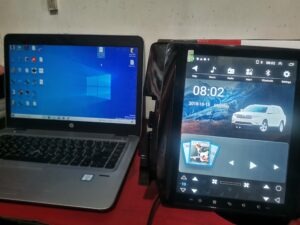
Most head units connect to computers via a USB cable. Ensure you have the correct type (Male to Male) and refer to the chipset/processor compatibility information and connection options.

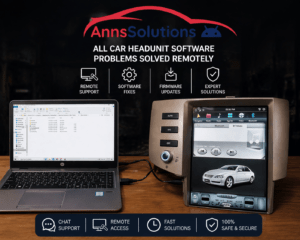
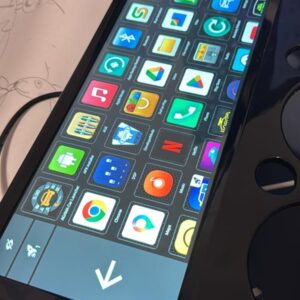
In Tesla Style Headunits screen become vertical and diffrent in the sizes 10.4 to 13.6 inches in Universal Headunits screen become vertical and the sizes of it are 9 and 10.1 inches. Tesla Style Screen are larger then Universal screen.

Yes, in many cases you can update the software yourself. Instructions are typically provided by the manufacturer and can involve downloading the update to a USB drive, with the help of PC or performing the update over-the-air (OTA) through a Wi-Fi connection.

It is generally safe to update the software yourself if you follow the manufacturer’s instructions carefully or understand about hardware for software integration.

If you encounter issues with your headunit software, contact with android headunit consultant and discuss problem which you are facing.

Scroll to Top
Unsure about your head unit specs? Click here for a guide.