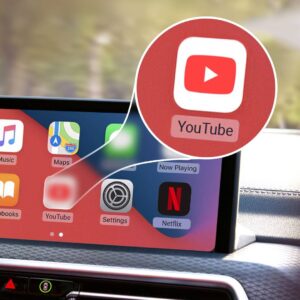
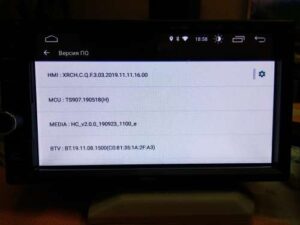
YT9216 AC8227 Based Processor Firmware Upgrade to Fix YouTube & Google Play services (YT9217-YT9218)
- Are you struggling with YouTube not working on YT9216 on Your Car Headunit due to Outdated Android Version?
- Does your AC8227L YT9216 Car headunit show Google Play Services errors or fail to update apps?
If your Car Headunit Installed Android version is outdated and there is no official update available, we can assist and upgrade your headunit. Our Technical support Team assist and guide you about.
Welcome to AnnsSolutions – your trusted solution provider for YT9216 firmware update, YT9217 software upgrade, and YT9218 Android system upgrade.
In this complete guide, we will explain:
- Why YouTube stops working on YT9216
- Why Google Play Services fails
- Why XYAuto no longer provides updates
- How our firmware upgrade solves the problem
- Which models are supported
- How to safely download and install firmware
Let’s get started.
Understanding the YT9216 Android Car Stereo Problem
The YT9216 AC8227L based processor Headunit which developed by XYAUTOS, is one of the most popular low-cost Android car stereo platforms available in the market. It is commonly installed in aftermarket car multimedia systems worldwide.
However, most YT9216 devices come with:
- Android 6.0 (real)
- Fake Android 8.1 builds
- Outdated security patches
- Old Google Play Services versions
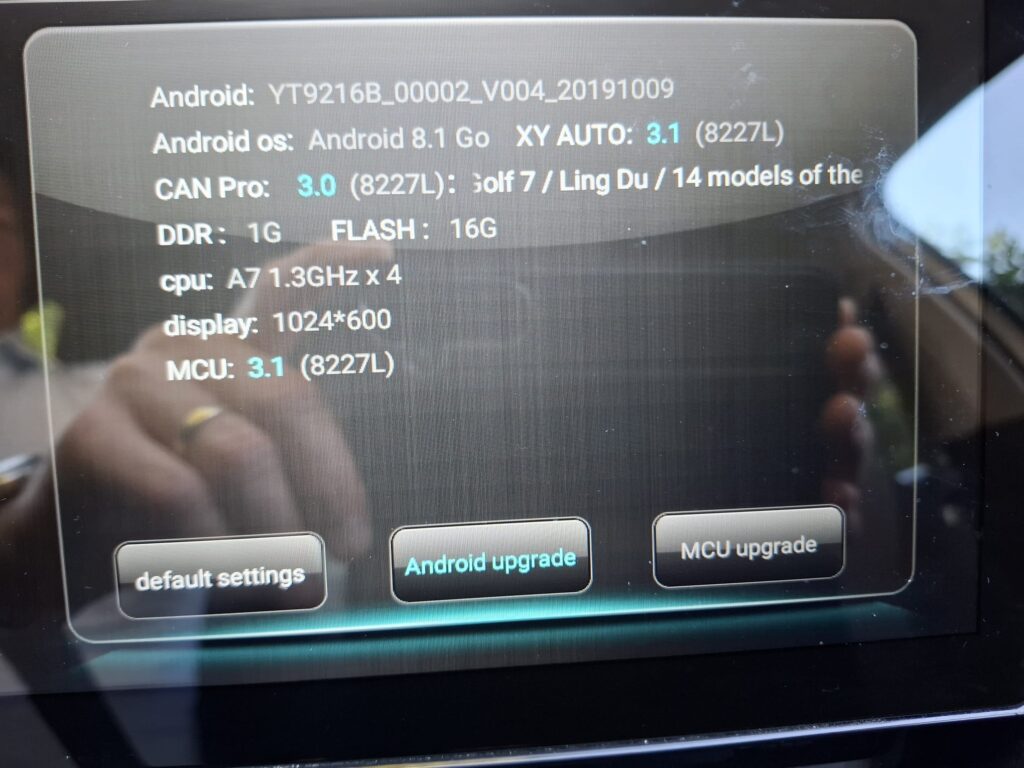
Because of this outdated system, users face serious issues in 2024–2026 such as YouTube APK won’t update from playstore and you won’t run YouTube Application .Download YT9216, YT9217 & YT9218 firmware update. Fix YouTube not working, Google Play Services errors & upgrade Android head unit safely on your car headunit to enjoy unstoppable YouTube streamings.
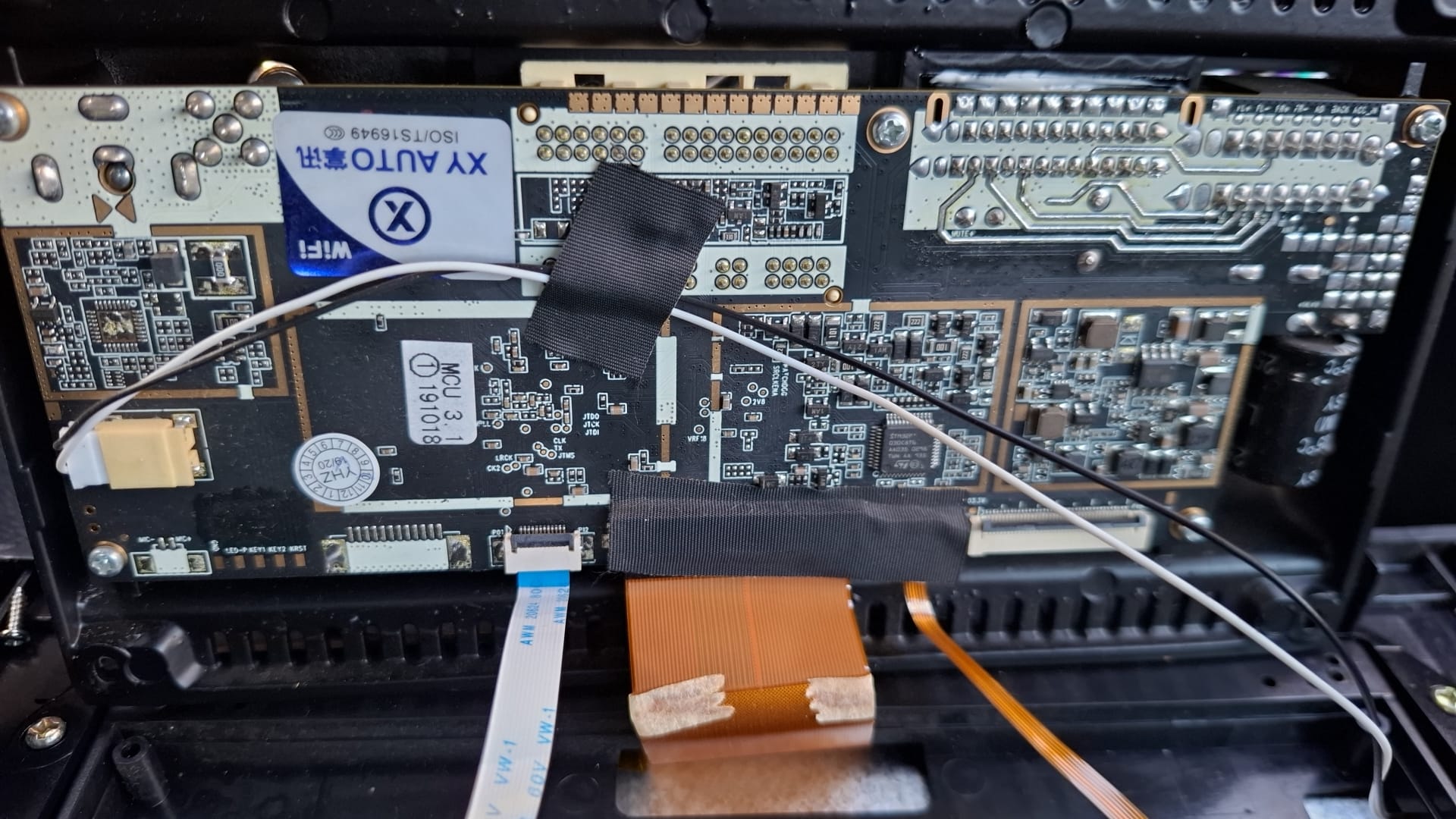
Common Problems in Most YT9216, YT9217 & YT9218 Devices MediaTek AC8227L Based Chipset
If you own a YT9216, YT9217, or YT9218 Android car stereo, you may cause problem OTA not detect, YouTube wont upgrade
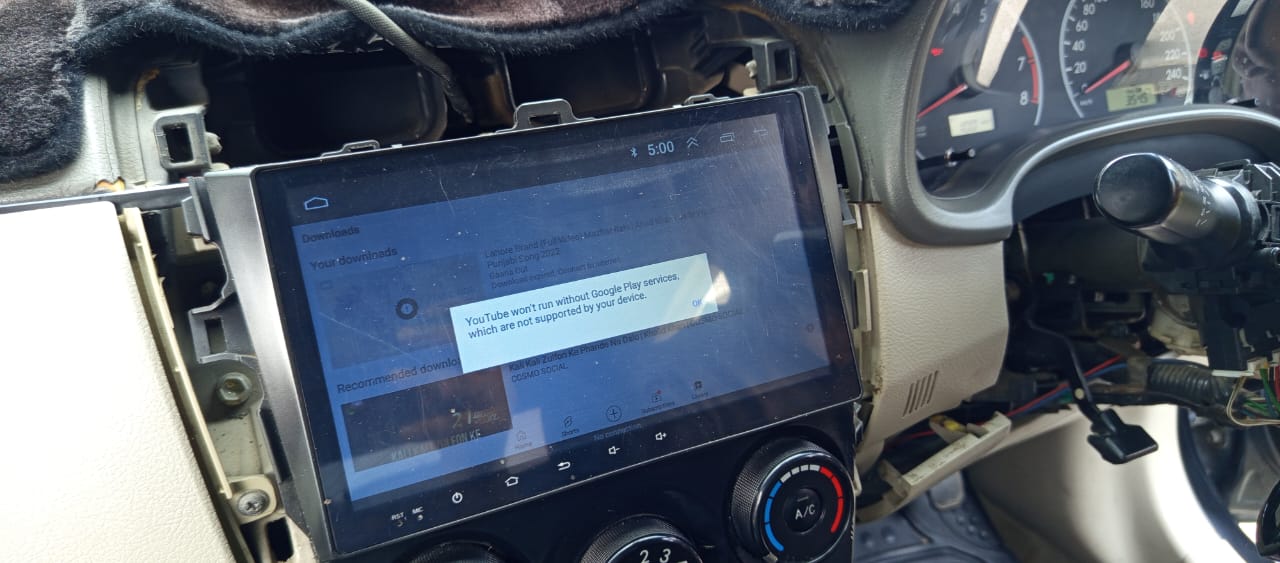
1. YouTube Not Working
- YouTube shows update error
- App closes automatically
- Black screen on opening
- “This version is not supported” use the browser message
2. Google Play Services Error
- “Google Play Services has stopped”
- Cannot sign in to Google account
- Sync error
- Play Store not opening
3. Apps Not Installing
- Modern apps require higher Android version
- APK installation failure
- Compatibility error messages
4. Slow & Leggy Performance
- System freezing
- Touch delay
- Random reboot
5. No Official Firmware Update
XYAuto does not provide stable OTA updates for older YT9216 series devices.
This leaves users searching for a reliable YT9216 firmware download solution.
Why YouTube Stops Working on YT9216?
YouTube regularly updates its minimum supported Android version.
Older YT9216 devices:
- Run outdated Android core
- Have old WebView version
- Contain unsupported Google Play Services framework
Because of Google security upgrades, YouTube blocks outdated systems.
This is why simply reinstalling YouTube does NOT fix the issue.
The only real solution is a system-level firmware upgrade.
Our Complete YT9216 Firmware Upgrade Solution
At AnnsSolutions, we provide:
- Tested YT9216 firmware update files
- Stable YT9217 software upgrade
- Optimized YT9218 Android firmware
- Google Play Services compatibility fix
- YouTube working solution after upgrade
Our firmware is optimized specifically for XYAuto YT9216 platform devices.
What Happens After Upgrading?
After installing our upgraded firmware, users can:
✔ Run latest compatible YouTube version
✔ Use Google Play Store without errors
✔ Install modern apps
✔ Fix Google Play Services crash
✔ Improve performance and stability
✔ Experience smoother UI
✔ Reduce lag and system freeze
Your Android car stereo becomes usable again without replacing hardware.
Supported Models
We support firmware solutions for:
- YT9216B
- YT9216BJ
- YT9216CJ
- YT9217
- YT9218
- XYAuto UI-based head units
If you are unsure about your version:
Check:
- Settings → About Device
- Model number
- RAM & ROM configuration
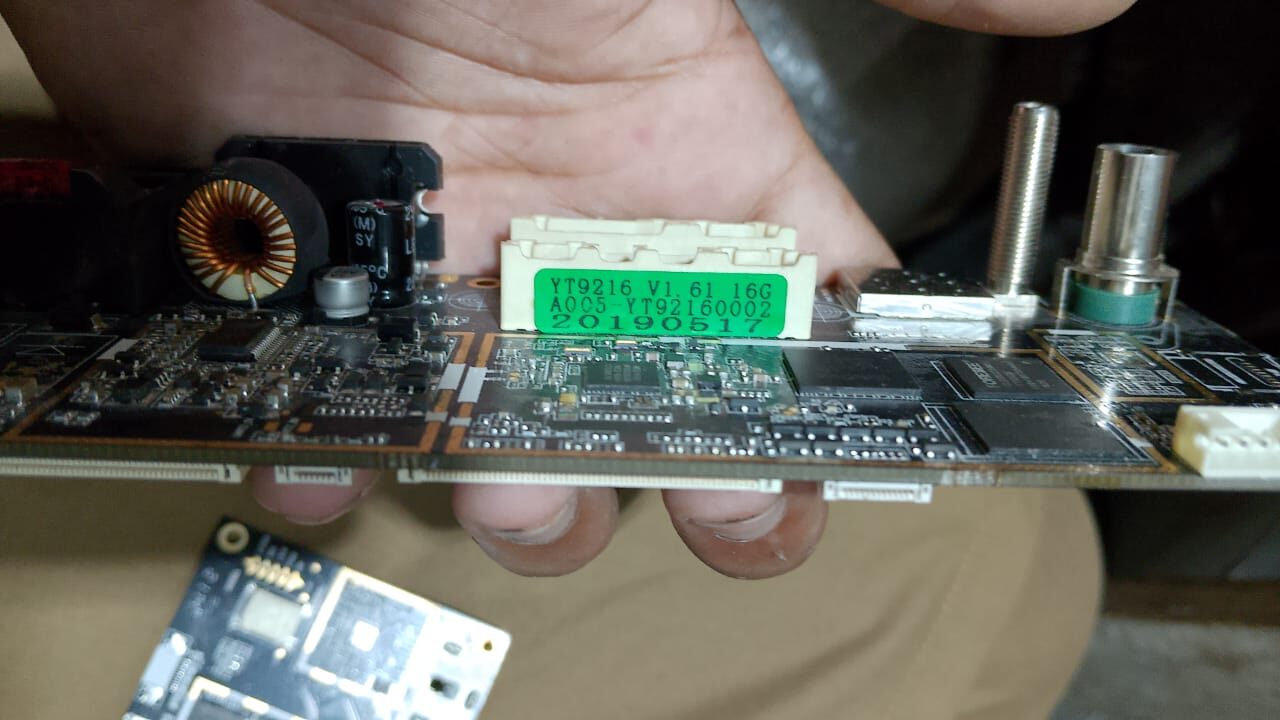
If confused, contact AnnsSolutions before downloading.
Why Choose AnnsSolutions for YT9216 Firmware?
There are many random firmware files available online. Installing the wrong firmware can:
- Brick your device
- Cause bootloop
- Kill touchscreen
- Disable radio
- Damage MCU communication
We provide:
1. 100% Tested Firmware
Every firmware file is verified on real hardware.
2. Safe Installation Guide
Step-by-step flashing instructions included.
3. Correct Model Matching
We help you choose correct firmware based on:
- RAM size (1GB / 2GB)
- Storage (16GB / 32GB)
- Display resolution
- Board version
4. Specialized in Android Car Stereo Solutions
AnnsSolutions focuses specifically on:
- YT9216 firmware repair
- Android car head unit flashing
- XYAuto system upgrade
Technical Background of YT9216 Platform
The YT9216 series is based on MediaTek chipsets, usually MTK AC8227L platform.
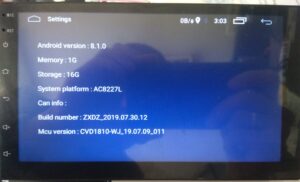
Most units show fake Android version in settings. For example:
- Shows Android 8.1
- Actually runs Android 6.0 core
This causes compatibility mismatch with:
- Google Play Services
- YouTube
- Navigation apps
- Streaming apps
Our firmware corrects system-level configuration and compatibility layers.
Risks of Installing Wrong YT9216 Firmware
Before downloading firmware from unknown sources, understand the risks:
- Black screen after flash
- No backlight
- No sound
- Dead touch panel
- Bootloop stuck on logo
- Corrupted preloader
That is why using the correct firmware for your specific YT9216 / YT9217 / YT9218 model is critical.
AnnsSolutions ensures proper firmware matching.
Step-by-Step Overview of Upgrade Process
(Full detailed guide provided with download)
Download Link :
General process includes:
- Identify exact model
- Backup original firmware (if possible)
- Format USB drive
- Copy firmware files
- Enter upgrade mode
- Flash system
- First boot configuration
Proper installation restores full functionality.
Frequently Asked Questions (FAQ)
Q1: Can I fix YouTube without firmware upgrade?
No. If YouTube is blocked due to outdated Android core, only firmware upgrade solves it permanently.
Q2: Is this official XYAuto update?
No. XYAuto no longer provides updates for older YT9216 devices. This is an optimized solution for compatibility.
Q3: Will this upgrade change my MCU?
No. MCU remains separate unless specified.
Q4: Is rooting required?
Not necessary for most upgrade packages.
Q5: Can wrong firmware damage my unit?
Yes. Always verify model before flashing.
When Should You Upgrade Your YT9216?
You should upgrade if:
- YouTube is not opening
- Play Store shows errors
- Apps are incompatible
- Device runs very slow
- Google account cannot sync
- You see repeated system crashes
If your device works perfectly and YouTube runs fine, upgrade is not required.
Download YT9216 / YT9217 / YT9218 Firmware From AnnsSolution
If you are ready to fix your Android car stereo:
Visit AnnsSolutions and download the correct firmware package for your device.
Make sure to:
- Read installation guide carefully
- Confirm device specifications
- Follow flashing instructions properly
Upgrade today and enjoy smooth YouTube streaming, working Google Play Services, and improved performance in your car.
Final Words
The YT9216, YT9217, and YT9218 Android car stereo units are powerful but limited by outdated software.
Instead of replacing your entire head unit, a proper firmware upgrade can:
- Restore YouTube
- Fix Play Store
- Improve stability
- Extend device life
AnnsSolutions is committed to providing safe, tested, and reliable firmware solutions for Android car stereo users worldwide.